
Call us now :08045804890
 Send Inquiry
 Send Inquiry
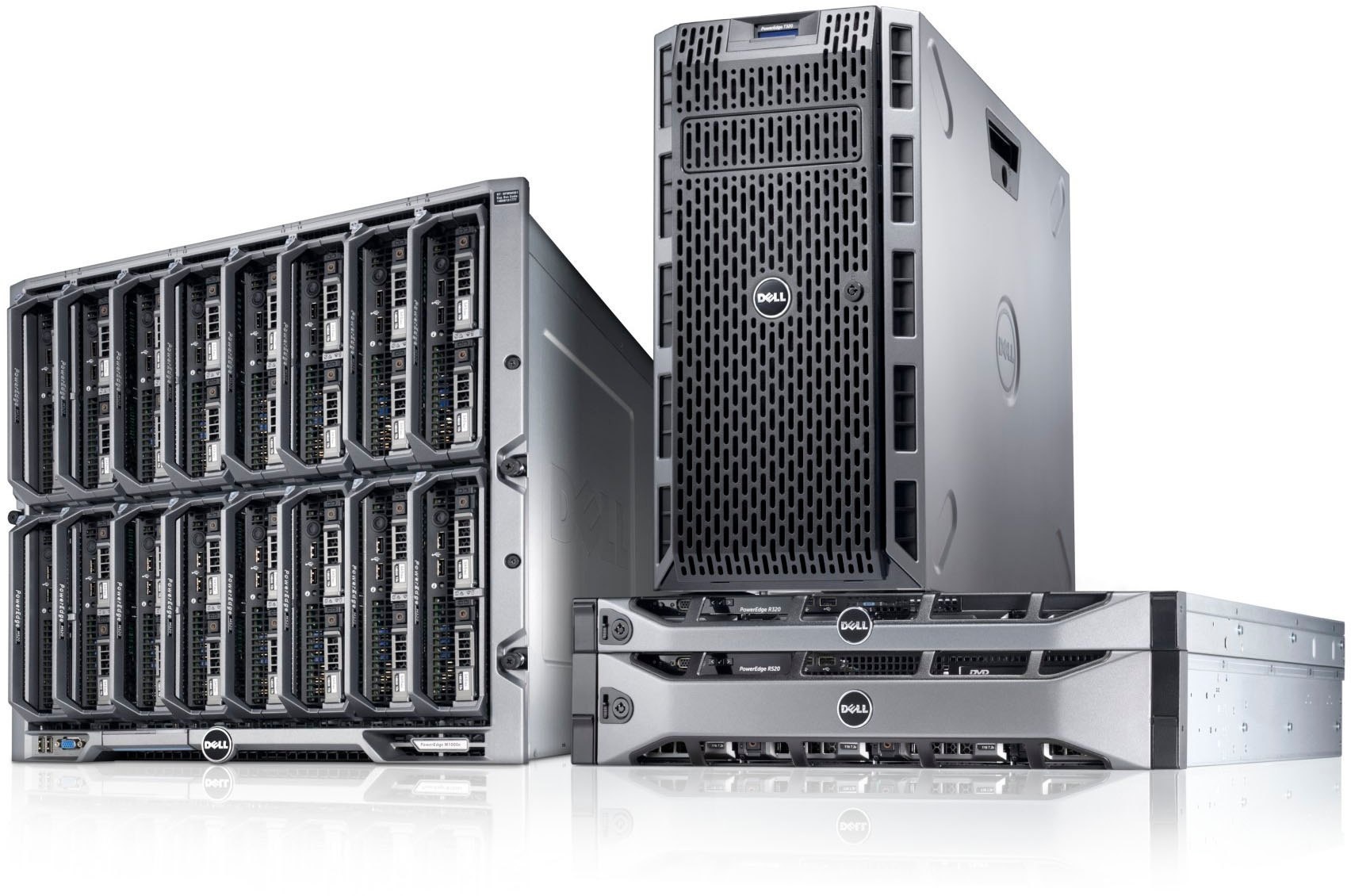
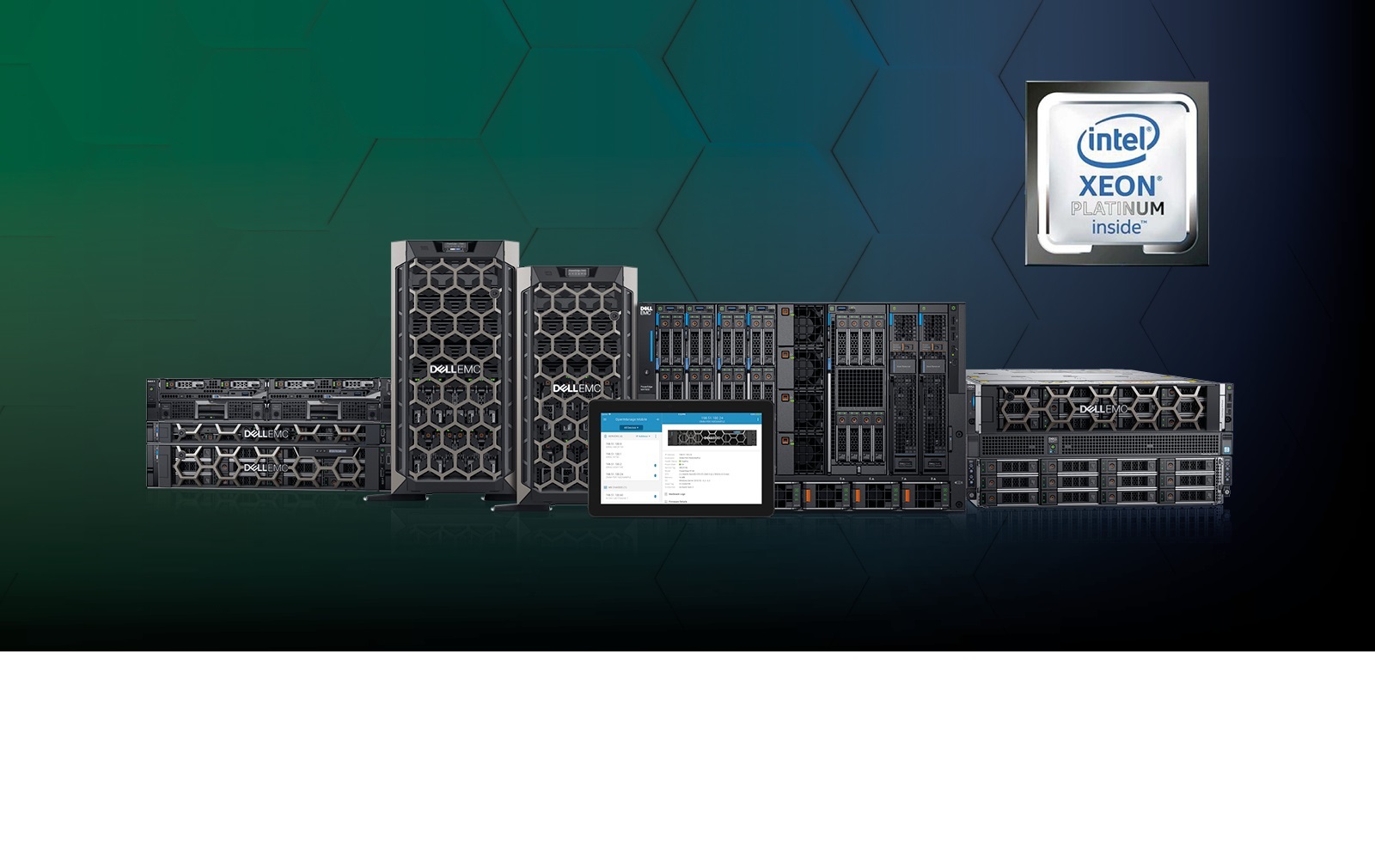
Dell PowerEdge T40 Tower Server
Price 150000 INR/ Piece
MOQ : 1 Piece
Dell PowerEdge T40 Tower Server Specification
- Processor Speed
- Up to 3.5 GHz base, Max Turbo up to 4.7 GHz
- Processor Type
- Intel Xeon E-2224G / Intel Core i3 / Intel Pentium
- Type
- Tower Server
- Chipset
- Intel C246
- Max Memory Capacity
- 64 GB DDR4 UDIMM, up to 2666 MT/s
- Max Processors
- 1
- External HDD
- Supported via USB 3.0/2.0 ports
- Internal HDD
- Up to 3 x 3.5 SATA (max 12TB) + 1 x M.2 (up to 512GB)
- OS Supported
- Windows Server 2019, Windows Server 2016, Ubuntu, Red Hat Enterprise Linux
- Power Supply
- 300W Bronze Power Supply
- Operating Temperature
- 10C - 35C
- Network Controller
- 1 x Gigabit Ethernet (Intel I219-LM)
- Processor Main Frequency
- Up to 3.5 GHz
- PCIe Slots
- 3 (1x PCIe x16, 2x PCIe x4)
- Expansion Bays
- 3 x 3.5 bays
- Graphics
- Integrated Intel UHD Graphics P630
- Dimensions (W x D x H)
- 176.6 mm x 335 mm x 359.5 mm
- Audio
- High Definition Audio
- Maximum Internal Storage
- Up to 12TB
- Memory Slots
- 4 x DDR4 DIMM Slots
- Power Consumption
- Idle 24W, Maximum 71W
- RAID Support
- RAID 0/1/5/10 (via Intel Rapid Storage Technology)
- Management
- Dell EMC OpenManage Essentials
- USB Ports
- 6 x USB 3.0, 2 x USB 2.0
- Optical Drive
- Optional DVD+/-RW
- Form Factor
- Mini Tower
- Weight
- 8.0 kg (approx.)
Dell PowerEdge T40 Tower Server Trade Information
- Minimum Order Quantity
- 1 Piece
- Payment Terms
- Cash on Delivery (COD), Cash Advance (CA), Cash in Advance (CID), Cheque
- Supply Ability
- 2000 Pieces Per Month
- Delivery Time
- 10 Days
- Main Domestic Market
- All India
About Dell PowerEdge T40 Tower Server
Flexible Expansion and Storage
The Dell PowerEdge T40 supports up to 12TB of internal storage through three 3.5" SATA bays and an additional M.2 slot for SSDs up to 512GB. Its design offers expansion through three PCIe slots and abundant USB ports, ensuring seamless hardware upgrades and peripheral connections as your business grows.
Efficient Management and Security
With Dell EMC OpenManage Essentials, monitoring and administering your tower server is straightforward. RAID configuration options (0/1/5/10) through Intel Rapid Storage Technology help safeguard your data. The integrated Gigabit Ethernet and high-definition audio ensure robust connectivity and multimedia support.
Performance Built for Small Businesses
Choose between Intel Xeon E-2224G, Core i3, or Pentium processors with speeds up to 4.7GHz Max Turbo, ensuring smooth multitasking for various workloads. With memory speeds up to 2666 MT/s and efficient power consumption (idle 24W, max 71W), the T40 delivers a strong balance between performance and cost-effectiveness.
FAQ's of Dell PowerEdge T40 Tower Server:
Q: How can I expand the memory of the Dell PowerEdge T40 Tower Server?
A: The server features four DDR4 DIMM slots, allowing you to expand the memory capacity up to 64GB using UDIMMs with speeds up to 2666 MT/s. Upgrading memory is straightforward-simply insert compatible DDR4 modules into the available slots.Q: What storage expansion options does the PowerEdge T40 offer?
A: You can utilize up to three 3.5" SATA drives (totaling 12TB) and one M.2 slot (up to 512GB) for SSDs. Additional external hard drives can be connected via the six USB 3.0 and two USB 2.0 ports, enabling ample storage flexibility.Q: When should I consider using RAID configurations on this server?
A: RAID configurations (0/1/5/10) can be set up using Intel Rapid Storage Technology to improve data redundancy and performance. These setups are advisable when data security or fault tolerance is a priority in your operations.Q: Where can I find management tools for the T40?
A: Server monitoring and management are easily handled via Dell EMC OpenManage Essentials, which provides central control over your hardware, updates, and alerting within your network environment.Q: What processors are supported by the PowerEdge T40, and what are their benefits?
A: The server supports Intel Xeon E-2224G, Intel Core i3, and Intel Pentium processors, offering base speeds up to 3.5 GHz and Turbo frequencies up to 4.7 GHz. This allows you to select a processor that meets your performance needs and budget.Q: How does the server perform in terms of power efficiency and temperature range?
A: With an idle power consumption of just 24W and a maximum of 71W, combined with a 300W Bronze power supply, the T40 is energy-efficient. It operates reliably within a temperature range of 10C to 35C, suitable for most office environments.Q: What operating systems can I use with the PowerEdge T40 Tower Server?
A: The T40 is compatible with operating systems like Windows Server 2019, Windows Server 2016, Ubuntu, and Red Hat Enterprise Linux, offering flexibility for a variety of business applications and IT setups.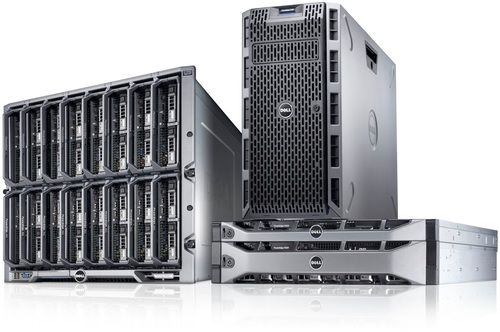
Tell us about your requirement

Price:
Quantity
Select Unit
- 50
- 100
- 200
- 250
- 500
- 1000+
Additional detail
Mobile number
Email

More Products in Server & WorkStation Category
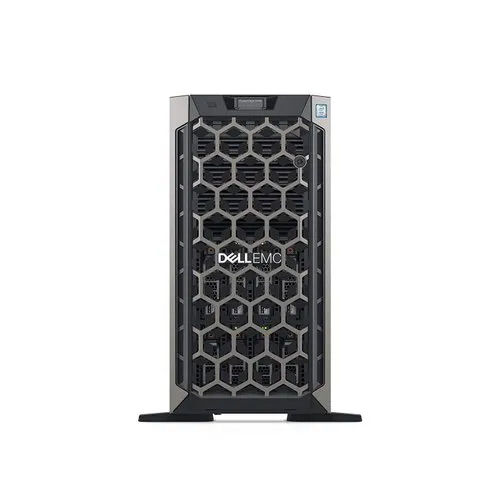
Dell Power Edge T440 Tower Server
Price 99999 INR / Piece
Minimum Order Quantity : 1 Unit
OS Supported : Windows Server, Red Hat Enterprise Linux, SUSE Linux, VMware ESXi
Type : Other, Tower Server
Max Memory Capacity : 512GB DDR4 ECC Registered
Max Processors : 2
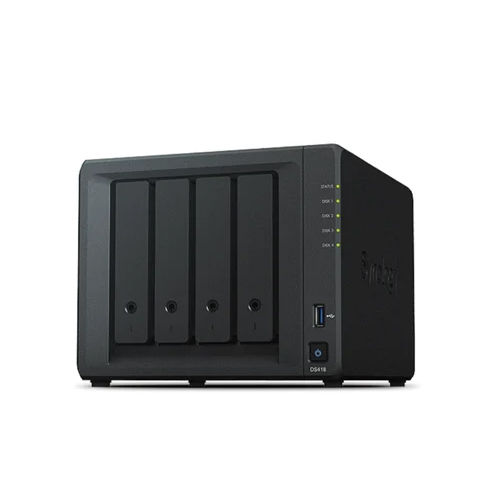
Network Attached Storage NAS
Price 70000 INR / Piece
Minimum Order Quantity : 1 Unit
OS Supported : Windows, Mac OS, Linux, iOS, Android
Type : Other, Network Attached Storage (NAS)
Max Memory Capacity : 8 GB DDR3L
Max Processors : 1
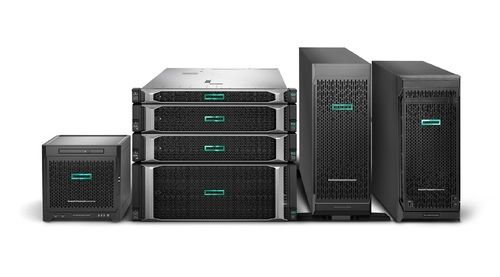
HPE ProLiant Gen10 Server
Price 189599 INR / Piece
Minimum Order Quantity : 1 Piece
OS Supported : Microsoft Windows Server, Red Hat Enterprise Linux (RHEL), SUSE Linux Enterprise Server (SLES), VMware
Type : Other, Rack Server
Max Memory Capacity : 3.0TB (with LRDIMMs)
Max Processors : 2

HPE Proliant Dl160 Gen10 Server
Price 130000.00 INR / Piece
Minimum Order Quantity : 1 Piece
OS Supported : Windows Server, Red Hat Enterprise Linux, SUSE Linux Enterprise Server, VMware
Type : Other, Rack (1U)
Max Memory Capacity : Up to 1 TB with 16 x 64GB LRDIMM
Max Processors : 2


 Send Inquiry
Our Products

204, Chandralok CHS, Amipark, S. T. Stand Road, Nalasopara west,Mumbai - 401203, Maharashtra, India

Mr. Umesh Rajaram Pakhare
(PROPRIETOR)
Mobile :08045804890
 Send Inquiry
 Send SMS
Developed and Managed by Infocom Network Private Limited.
